
Is your SSD full, but you don’t want to reinstall games and programmes? With Folder Move, you can easily move folders to other drives. Find out here how the tool works and what you need to bear in mind.
What does FolderMove do?
The starting point in disk management is a classic scenario: while the system drive (C:) with only 118 GB is already bursting at the seams, disk 1 (D:) with almost 1 TB offers plenty of free storage space.
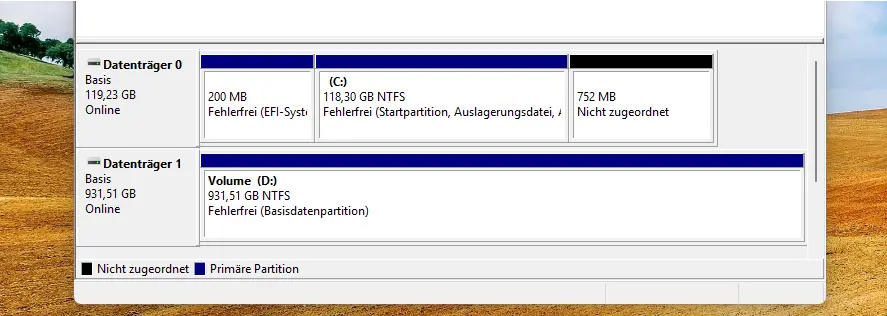
Folder Move solves this bottleneck by physically moving installed folders to the large drive and creating a symbolic link at the old location. This serves as a digital signpost: the system continues to think that the files are located on C:, allowing all programmes to continue running smoothly without reinstallation, while immediately relieving the system drive.
Video
Downloading the software
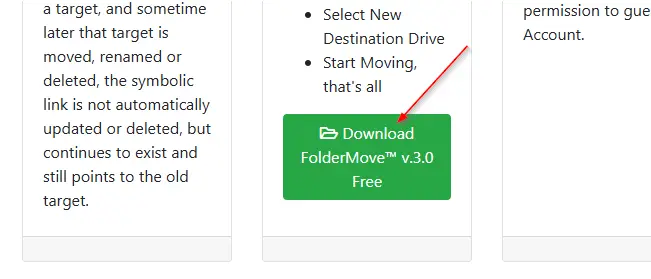
The software is free and can be downloaded from the homepage. It is important to find the correct download button, as Google advertising displays several download buttons that download and install nonsense.
Move folder or programme
After starting the software, we select the folder we want to move. At the same time, we specify the destination. It is important to note that the folder must be created; the app folder is handled by the software itself.
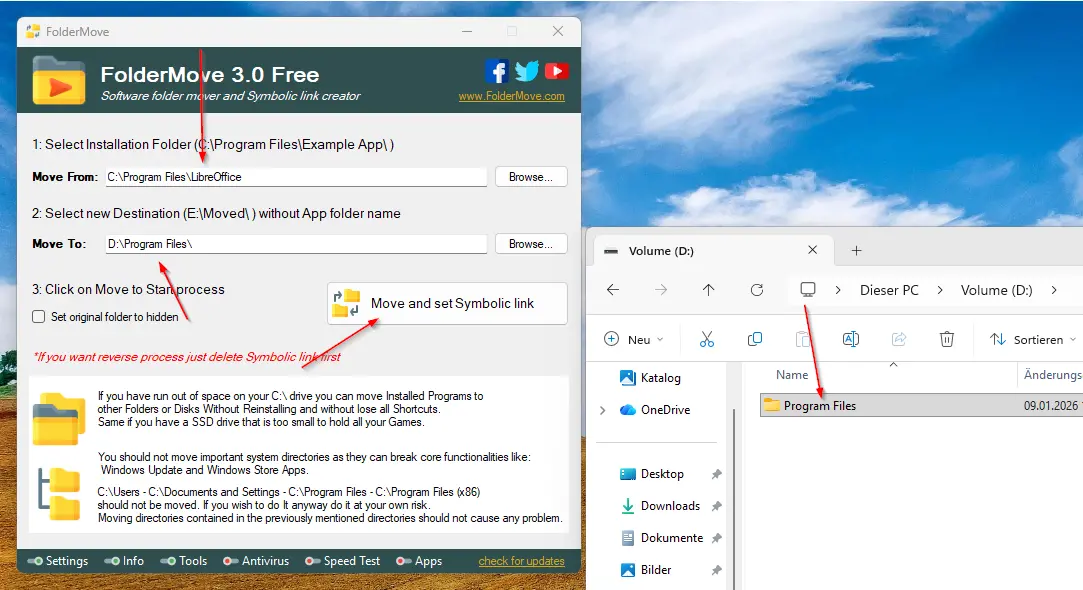
The files are then moved. 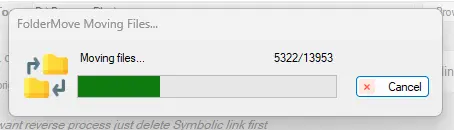
Symbolic link
If we now look at the source and destination, we see that we only have a link on our C: drive that points to the moved folder.

Conclusion: The rescue for full SSDs
Folder Move is a real life-saving tool for anyone who opted for a model that was too small when purchasing their SSD. Instead of laboriously uninstalling programmes or completely reinstalling the system, the software elegantly bridges the gap between lack of space and unused capacity. Thanks to the symbolic links, Windows doesn’t notice any difference – and you regain valuable storage space on your system partition. An absolute must-have for gamers and power users!