Wirelessly stream or extend your display. Wavlink WL-WH50A1 – Adapter set.
Quickly give a presentation without having to run a cable to the projector. View holiday photos on the TV or quickly set up a second wireless display. With the WAVLink Wireless Adapter Set – quite a mouthful of a name – this is possible. It costs 50 euros.
Video
What’s in the box
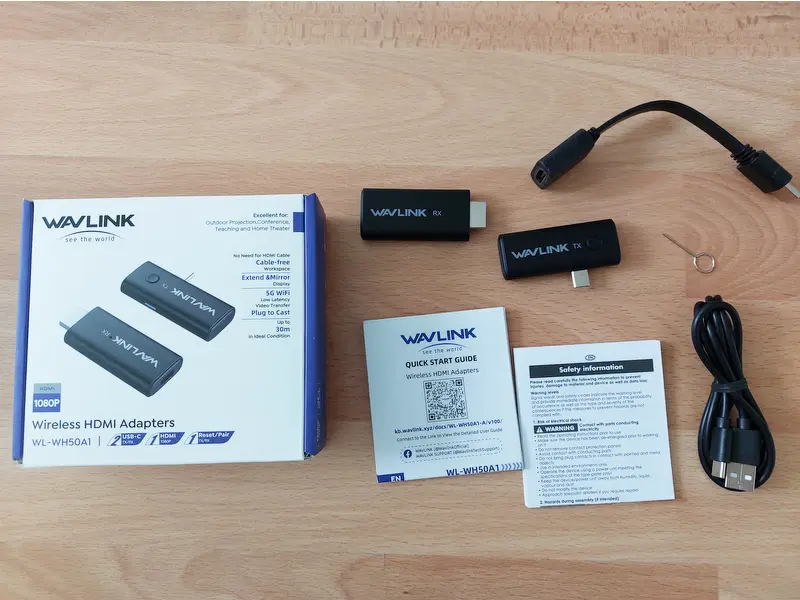
The set consists of a receiver and a transmitter, and includes an HDMI extension cable, a USB cable and a small tool for resetting the connection. And, of course, the instructions.
In practice
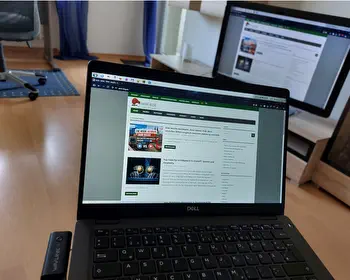
Setting it up is simple: plug the receiver into the HDMI port and connect the transmitter via USB to the device you want to stream from. The receiver requires a USB cable for power. The transmitter only needs the USB-C port. A minor drawback is that this means the USB-C port is occupied and can no longer be used for charging.
The devices pair automatically after a few seconds. A status message appears on the screen. No drivers are required. The devices transmit data directly to each other, meaning they do not need to be connected to Wi-Fi.

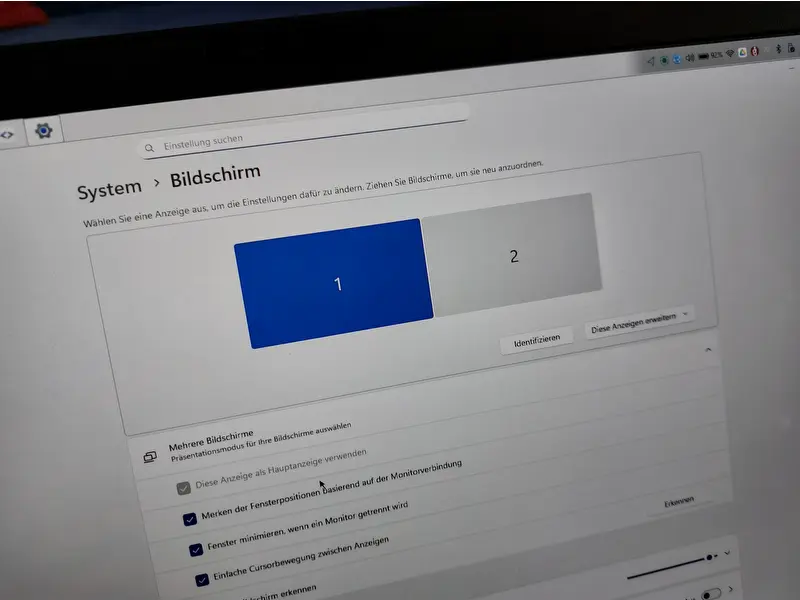
The device functions as an additional monitor within the operating system. It can be used to mirror or extend the screen. The maximum resolution is 1080p, i.e. Full HD. Higher resolutions are scaled down accordingly.

USB-C on its own isn’t enough!
For this to work, the USB-C port must support a display, i.e. DisplayPort or Thunderbolt. My smartphone and my cheap Android tablet don’t have this, so it won’t work with them. In short, if I can connect a display via a cable or dock to the USB-C port, the adapter will work too.

Video transmission, latency
The latency is interesting. In short, it’s slightly noticeable. The manufacturer states 0.1 seconds. You can easily tell by the jerky cursor. It’s more than adequate for presentations and work, and is hardly noticeable. Videos also play smoothly. I probably wouldn’t use it for a home cinema setup, but it’s perfect for everything else. Audio is also transmitted.

Conclusion
It fits, wobbles a bit and has some play. It works without any major issues. If you need to give a presentation now and then, you can simply plug the set in and you’re sorted. There’s a bit of latency; it stops working at Full HD, but that’s unlikely to be much of a problem in an office environment. You can also quickly connect an additional monitor as a second display without needing a cable.

- Einfache Bedienung – Kein Treiber-Download, keine WLAN-Verbindung, keine komplizierten Apps...
- Stabiler kabelloser HDMI-Extender (30 m Reichweite) – Dieser kabellose HDMI-Extender nutzt...
- Flüssiges und verzögerungsfreies Seherlebnis – Dank automatischer Entzerrung und...
More images